Skip to content
Click to skip

Voice chat. For games. For friends.

Voltex is an Iranian Discord alternative for voice and text chat with friends. Build a server, talk while gaming, share your screen and hang out in 3D rooms.

All Voltex traffic at half rate

Experience 3D rooms in your desktop browser and desktop app.

Members
Online
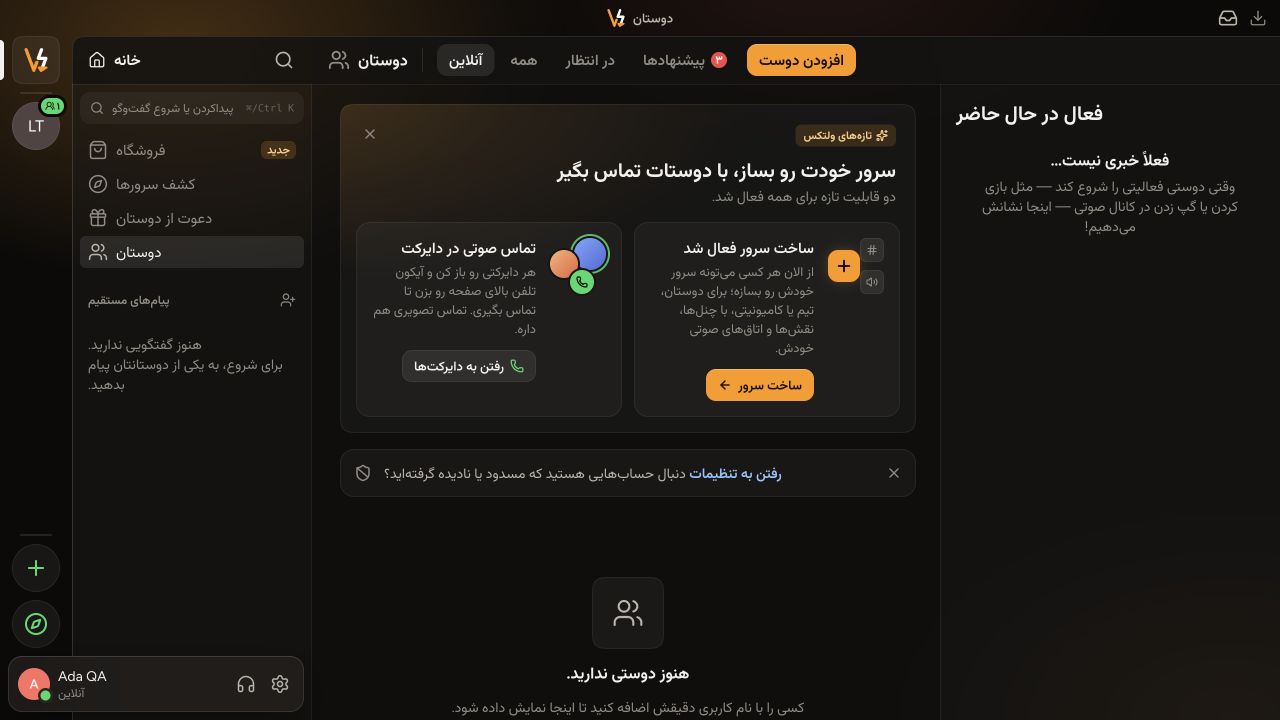
Actual Voltex app interface
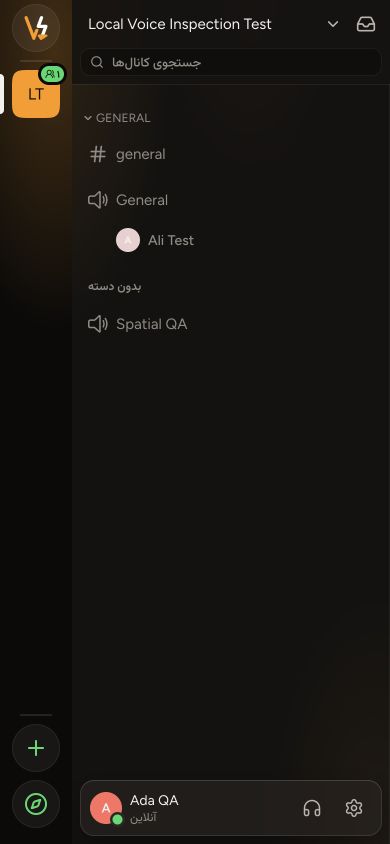
Narrow view of the actual Voltex interface

The Voltex community, at a glance

Getting community stats
Servers
Channels
In voice rooms
Screen sharing
About these stats

The recorded time range is unavailable.

Voltex features

Group chat, voice and games with friends

Chat, make voice calls and play board games in one app. Create a group for everyday conversations or meet in a 3D room.

Backgammon, Hokm, Ludo and chess

Board games inside 3D rooms

Two-player backgammon: roll the dice, move your checkers and bear them off before your opponent. Take a seat at a backgammon table in a 3D room and talk with your friend in voice while you play.

Open Voltex
Pastel illustration of board games and headphones in Voltex colours

Group chat

Messages and files for your group

Create a group for your friends, share photos and files, and keep conversations organised with replies and reactions. In servers, give each topic its own channel.

Group chat · files · reactions

Soundboard

Your favourite sounds, inside the call

Choose one of your audio clips or a sound from the server's collection and play it for everyone in the voice conversation.

Play audio clips in voice

Smart noise cancellation

Less background noise for clearer calls

Smart noise cancellation helps keep keyboard clicks and background noise out of the call. Adjust mic sensitivity and each person's volume yourself.

Visual sound comparison; no audio is played

Connection quality

Check connection status and ping

Check connection status and ping. Choose your audio devices, mute with a shortcut or turn on push to talk.

Connection statusChoose your micPush to talk

Illustrative previews of Voltex features

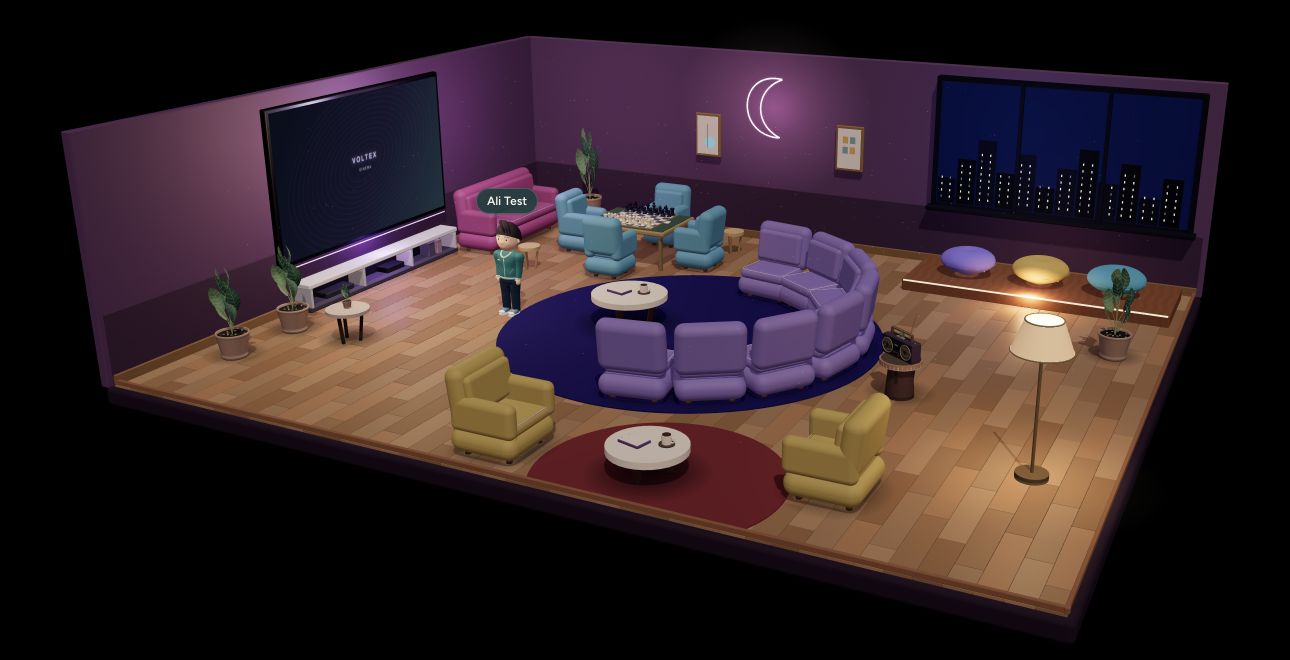
Voltex’s actual 3D lounge with avatars, seating and chess

Step inside. Make yourself at home.

Join the lounge as your avatar, take a seat and catch up. A shared 3D space with chess, music and watching together.

Open Voltex
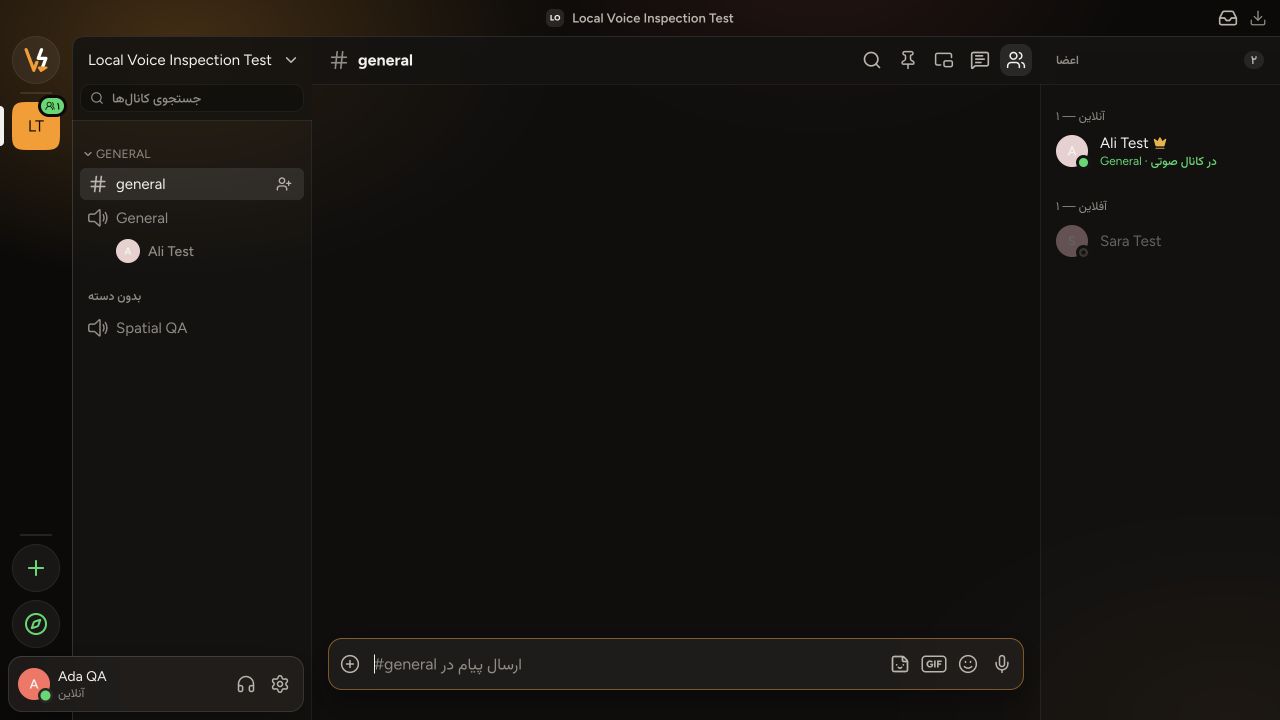
Actual Voltex server and channel interface

Your server. Your people. Your rules.

A channel for every topic, a voice room for every hangout. Make a space of your own with roles and permissions.

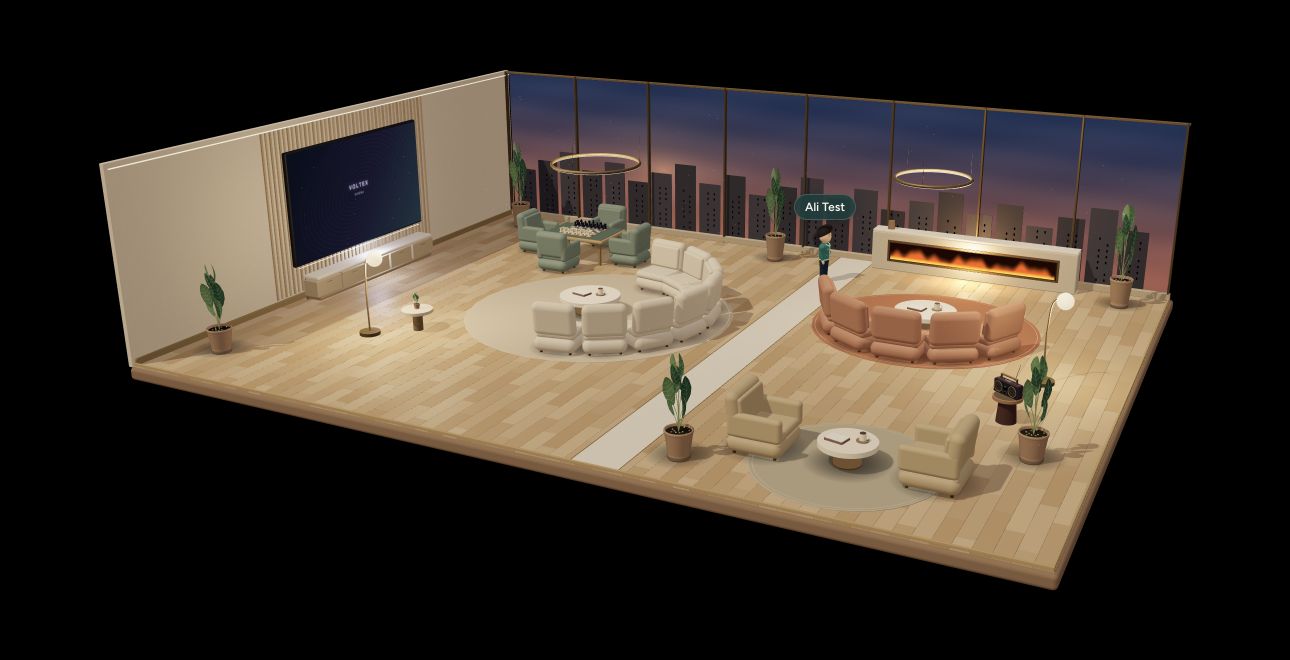
Voltex’s actual atrium with a fireplace and panoramic windows

A new place to be together.

From the warm atrium to the night lounge. Choose your room, turn the camera and find your own view of the conversation.

Actual Voltex browser interface

Good company. Any distance.

Drop into voice, turn on your camera or share your screen. Stay together while you play, work or just talk.

Narrow view of the actual Voltex interface

Same people. Wherever you go.

Your messages, servers and voice rooms travel with you on Android. Or start in the browser without installing anything.

Captured in Voltex’s local test environment

More tools for chat and server management

From voice messages and custom emoji to roles and bots, find the tools your community needs in Voltex.

Watch and listen together

Watch a film or create a music queue for the voice room. Playback, pausing and seeking stay in sync for everyone.

Stage channels

Separate speakers and listeners for group conversations. Listeners can request to speak and join with a moderator’s approval.

Roles and permissions

Manage member access with roles, and choose who can see or send messages in each channel.

Bots and webhooks

Use bots for repeat tasks, or build tools for your community with the API and webhooks.

Voice messages

Record a voice message and send it in chat so friends can listen when they have time.

Emoji and GIFs

Add custom server emoji, search for GIFs and respond to messages with reactions.

Desktop shortcuts

In the Windows app, control your microphone and incoming audio with shortcuts, or use push to talk while gaming.

Windows game overlay

In windowed or borderless games, see voice-channel members, who is speaking and mute or deafen status over the game. Choose its corner, opacity or speakers-only mode in settings.

Notification settings

Set notifications separately for each server and channel to follow the conversations you choose.

Discover servers

Find public servers and join communities around your interests.

Persian and English

Choose Persian or English for the app and website.

Voltex, everywhere

On your computer, on Android or right in your browser. Your people are always close.

All download options

What's new in Voltex

Full changelog ↗

A place for builders, too.

Build your own bot. Explore API documentation, events and code samples to create tools for your community.

Looking for a Discord or TeamSpeak alternative?

Voltex is an Iranian app for group voice chat, messages and hanging out. Explore the guides to choose the tools your gaming group needs.

All guides ↗

A few things before you join.

How is Voltex an alternative to Discord or TeamSpeak?

Voltex is an independent Iranian app for voice and text chat, video calls and community servers. If you need a Discord or TeamSpeak alternative for games or hangouts, try a channel with your group to check features and connection quality.

Is Voltex an Iranian edition of Discord?

No. An Iranian Discord community may be a server inside Discord. Voltex is a separate service with Persian and English interfaces and its own accounts, servers and invitations.

Is Voltex free?

Yes. Chat, voice, video and creating a server are free. Optional Premium adds extras such as profile decorations and larger uploads.

Do I need to install anything?

No. Join from a browser on your computer or phone. There are Windows and Android apps too. Open 3D rooms on a computer.

How do I install the Android app?

Download the APK from our download page and open it. If Android asks for installation permission, follow its on-screen steps.

Can I join from a Mac or iPhone?

Yes. Open the web version in Safari or Chrome. You don't need to wait for a separate app.

What audio controls are there?

Smart noise cancellation, mic sensitivity, individual volume controls and push to talk. You can also check connection status during a call.

Does it support Persian?

Yes. Both the app and website are available in Persian and English. Pick whichever you're comfortable with.

How is Voltex data usage charged?

All Voltex traffic is charged at half rate.

Open Voltex. Join your friends.